

Instagram · 9 min read
Instagram AutoDM not working? A complete troubleshooting guide
Diagnose missing Instagram AutoDM replies in the right order: account connection, trigger, post, keyword, permissions, platform limits and message delivery.

A missing AutoDM usually looks random from the outside: one person comments the keyword and receives the resource, while another says nothing arrived. The fastest fix is not rewriting the message or reconnecting everything. It is finding the exact stage where the event stopped.
This guide follows the same path as the message: account, post, trigger, keyword, delivery and destination. Work from the top and change one thing at a time so the repair teaches you what failed instead of briefly hiding it.
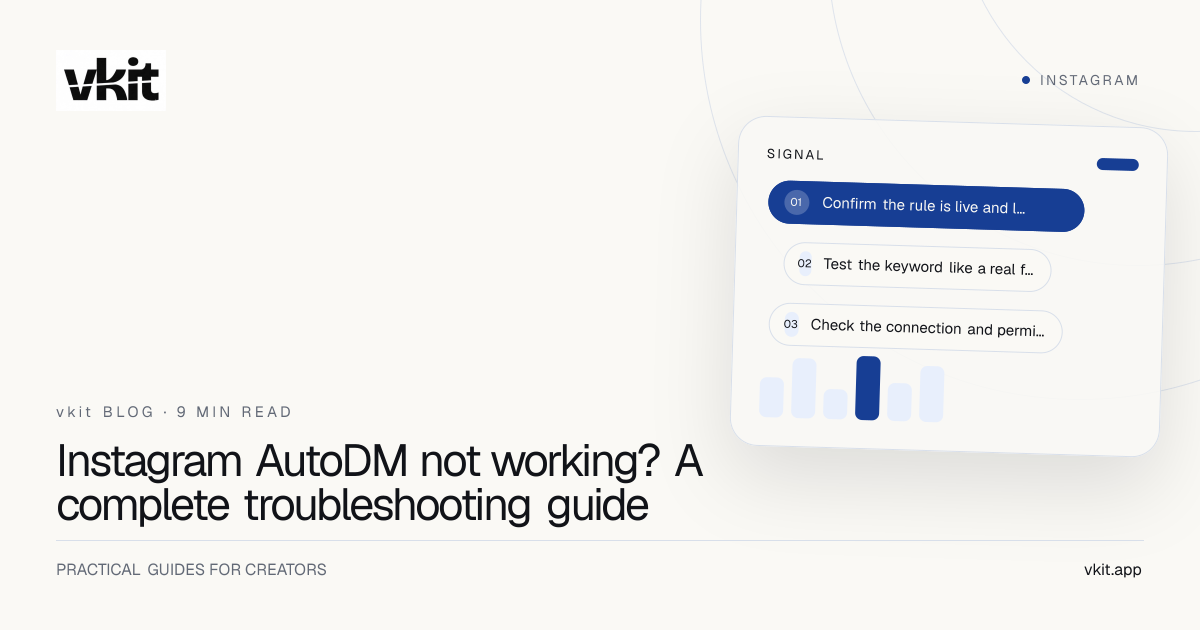
- 01Confirm the rule is live and listening in the right place
- 02Test the keyword like a real follower
- 03Check the connection and permissions before rebuilding the rule
Confirm the rule is live and listening in the right place
Open the automation and read its summary as a sentence: when somebody comments this keyword on this post, send this message. Confirm the rule is live rather than draft or paused, the selected Instagram account is correct and the chosen post matches the post receiving the comment.
A rule limited to one post will not fire on a repost, collaboration copy or visually identical Reel with a different media identifier. If the campaign should cover every eligible post, choose that scope deliberately. Broadening the scope just to fix one mistake can make an old keyword fire in places you never intended.
Check for another live automation using the same keyword. Two rules competing for one event can produce unpredictable ownership or a blocked publish. The setup guide shows what each screen should contain before you continue.
Status
The automation must be live; saving a draft or previewing it does not subscribe the rule to events.
Account
The connected professional account must be the same account where the comment was posted.
Post
A specific-post trigger listens only to that exact media item, not every version of the creative.
Test the keyword like a real follower
Use an account that is not an administrator of the connected profile. Comment the exact keyword in a normal sentence, then test the plural, expected punctuation and common misspelling only if the rule is meant to recognize them. Record which version matches.
Normalize the campaign wording. If the caption says comment CHECKLIST but the automation listens for GUIDE, the system is doing exactly what it was configured to do. Update the caption or the trigger so the public instruction and private workflow agree.
Review exclusions and match behavior. An excluded term can correctly suppress a comment that happens to contain the keyword. A whole-word rule may reject a keyword embedded in another word. Keep the first campaign simple enough that you can predict every match.
A clean test uses one known post, one exact keyword and one outside account. Everything else is noise.
Check the connection and permissions before rebuilding the rule
If no eligible event reaches any automation, inspect the Instagram connection. Tokens can expire, account roles can change and access can be removed in Meta settings. A reconnect should happen through Meta’s official consent flow, with the intended professional account selected.
Confirm the permission required by the visible feature is still available. Messaging, comment management and publishing are separate capabilities. A working publishing connection does not prove that messaging events are authorized, and a working AutoDM does not prove that publishing is enabled.
Do not disconnect as the first troubleshooting step. Reconnection can affect every live rule using that account. Capture the current status and error, then reconnect only when the product identifies the connection or permission as the failing stage. The Meta Tech Provider explainer describes how the permission model works.
Separate event matching from message delivery
A matched trigger and a sent DM are different events. If the activity log shows a match but no send, inspect the delivery reason: conversation eligibility, platform limit, opt-out state, duplicate protection or a message format that could not be accepted.
Test a plain first message. Remove unnecessary complexity and confirm that the basic response can leave. Then add the intended button or next step back. This isolates whether the issue belongs to the trigger or the message payload.
Respect a recipient’s stop request and duplicate safeguards. A system that refuses to send again may be protecting the person or preventing repeated delivery, not malfunctioning. The automation rules guide explains why some limits must not be worked around.
Matched, not sent
Inspect permission, eligibility, opt-out, duplicate and platform-limit reasons.
Sent, not seen
Ask the tester to check requests and confirm the receiving account was the one that commented.
Opened, no action
The system worked; now review the message promise, button label and destination.
Give support the evidence that shortens the investigation
Share the connected account handle, automation name, post URL, exact keyword, approximate test time with timezone and the testing account. Include screenshots of the public comment and activity result. Remove private credentials and unrelated conversation details.
Describe the last known successful test and anything that changed since: reconnect, role update, edited keyword, new post selection or campaign duplication. A precise timeline helps distinguish configuration drift from a platform event that never arrived.
After the fix, repeat the clean outside-account test and document the cause inside the campaign. Then test the destination. A delivered DM with an expired or incorrect link still breaks the promise, even though every automation status is green.
Frequently asked questions
Why is Instagram AutoDM not sending after a keyword comment?
Common causes are a paused rule, wrong post scope, keyword mismatch, duplicate rule, expired connection, missing permission, recipient opt-out or a platform delivery limit. Check them in that order.
Should I disconnect Instagram to fix AutoDM?
Only when the connection or permission is identified as the problem. Disconnecting first can affect every active workflow and remove useful evidence about the original failure.
Why did the AutoDM send but the follower cannot find it?
The message may be in message requests or a different receiving account may have posted the comment. Verify the tester, timestamp and activity status before sending again.
Find the broken stage. Keep the working parts.
vkit’s activity view and human support are designed to make the path visible. Start with one controlled test, preserve the evidence and fix the exact step that stopped.
Put it into practice